Master AI Lighting Prompts: Cinematic Step-by-Step Guide
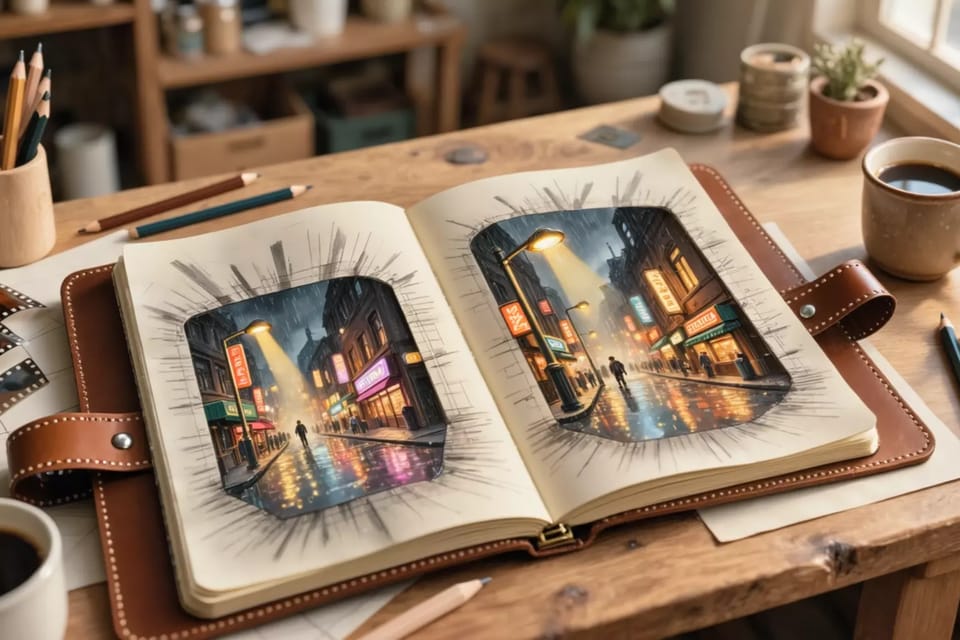
Table of Contents
Why Lighting Transforms AI Outputs Overnight
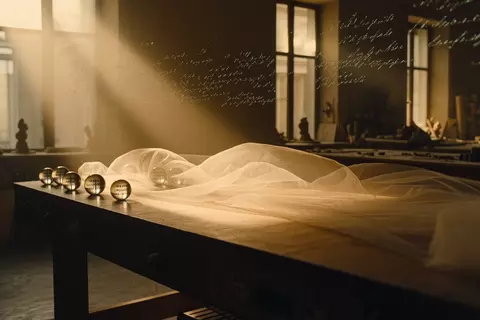
AI lighting prompts aren't just a nice-to-have—they're the difference between flat, lifeless scenes and ones that pull you in like a Hollywood blockbuster. Think about it: without proper light, even the most detailed description falls flat. Light sets the mood, carves depth into subjects, and tricks the eye into believing what's generated is real. I've noticed this firsthand in my... extensive testing across tools. A simple tweak—like specifying 'golden hour sunlight filtering through blinds'—elevates amateur shots to pro level. Basics? Natural light mimics time-of-day effects: golden hour bathes everything in warm glows at dawn or dusk. Artificial? Rim light outlines figures dramatically from behind. Volumetric lighting adds those god rays through mist or dust. Bloody effective, mate. Honestly? Most generators now handle these nuances brilliantly, but you have to tell them what to do.
Step-by-Step: Building AI Lighting Prompts That Work
Start simple. First, anchor your light to a real-world context. 'Mid-October 3pm in a London flat' nails the angle and colour temperature—cool blues fading to amber. Tools like Grok Imagine eat this up, per eWeek's latest guide. Next, nail direction and intensity. 'Soft golden side light from the left, casting long shadows across wooden floors.' Intensity matters: 'harsh overhead fluorescents' vs 'gentle rim light grazing curves.' Layer sources for realism. 'Key light from a window at 45 degrees, fill from a bedside lamp, backlight creating a halo effect.' Then, effects: 'volumetric god rays through steam, glistening reflections on sweat-slicked skin.' Before: 'Couple embracing in bedroom.' After: 'Intimate couple embracing in a bedroom at twilight, warm golden hour light spilling from french windows, subtle rim lighting highlighting contours, soft shadows pooling on silk sheets.' Night and day. Or rather, dawn and dusk.
Film it on AiExotic
Expert AI Lighting Prompts for Cinematic Adult Videos
Make this fantasy nowAdvanced Techniques for Cinematic Mastery
Now the fun stuff—styles that pros swear by in 2026. Chiaroscuro? Dramatic high-contrast shadows, like Caravaggio reborn: 'chiaroscuro lighting with a single candle source, deep blacks swallowing edges, intense highlights on flesh.' Noir for moody vibes: 'film noir low-key lighting, wet streets reflecting neon, cigarette smoke catching blue rim light.' For video, think dynamic: 'flickering firelight dancing across bodies, shadows shifting with each thrust, golden hour transitioning to dusk over 10 seconds.' Iteration tip: Generate image first, tweak lighting prompt, then animate. Works seamlessly on platforms handling image-to-video flows. Expert lighting prompts are key to crafting immersive, seductive AI adult videos that use light and shadow to heighten drama and realism in every scene—see detailed applications here. Here's what most analysts won't tell you: I may have spent more evenings than strictly necessary refining these. The results? Quite hypnotic. Yeah, I know how that sounds.
Your Burning Questions on AI Lighting Prompts Answered
What if my AI tool seems to ignore lighting details?
Toggle prompt enhancement if available—it's like auto-fixing vague descriptions. Otherwise, be hyper-specific: name the source ('west-facing window at 4pm') and effects ('long shadows stretching east'). Test on image gen first; videos inherit better from strong stills.
Best lighting for intimate or adult scenes in AI prompts?
Rim and volumetric win here—'soft rim light tracing silhouettes, warm glow on skin with subtle god rays through haze.' Avoid flat overhead; it kills sensuality. Golden hour variations add that seductive warmth without overkill.
How do I combine lighting with artistic styles?
Layer naturally: 'in the style of Rembrandt chiaroscuro, golden hour flooding a baroque interior.' Or 'cyberpunk noir with neon rim lights pulsing.' Prompts parse this fine—start with light, end with style for priority.
Golden hour AI video prompts: how to make them dynamic?
Anchor and evolve: 'starts in golden hour with side light warming tones, transitions to blue hour rim lighting over 15 seconds, shadows lengthening dynamically.' Chain scenes if needed for longer clips.
Prompt engineering lighting tips for hyper-realism?
Mix real physics: 'light interacting with materials—velvet absorbing, metal reflecting specular highlights, dust motes volumetric in beams.' Reference exact times/locations from photos you've seen. Iterate 2-3 variations per idea.
Create Your Own AI Porn Video
Turn any fantasy into a realistic Full HD video. 1,000+ scenarios, positions & kinks — 100% private.
Start Creating NowAbout the Author
Digital Artist & AI Tool Reviewer
Digital artist & AI tool tester. Breaks workflows so you don't have to. Writes the guides she wishes existed.